
The metronome that lives on your watch
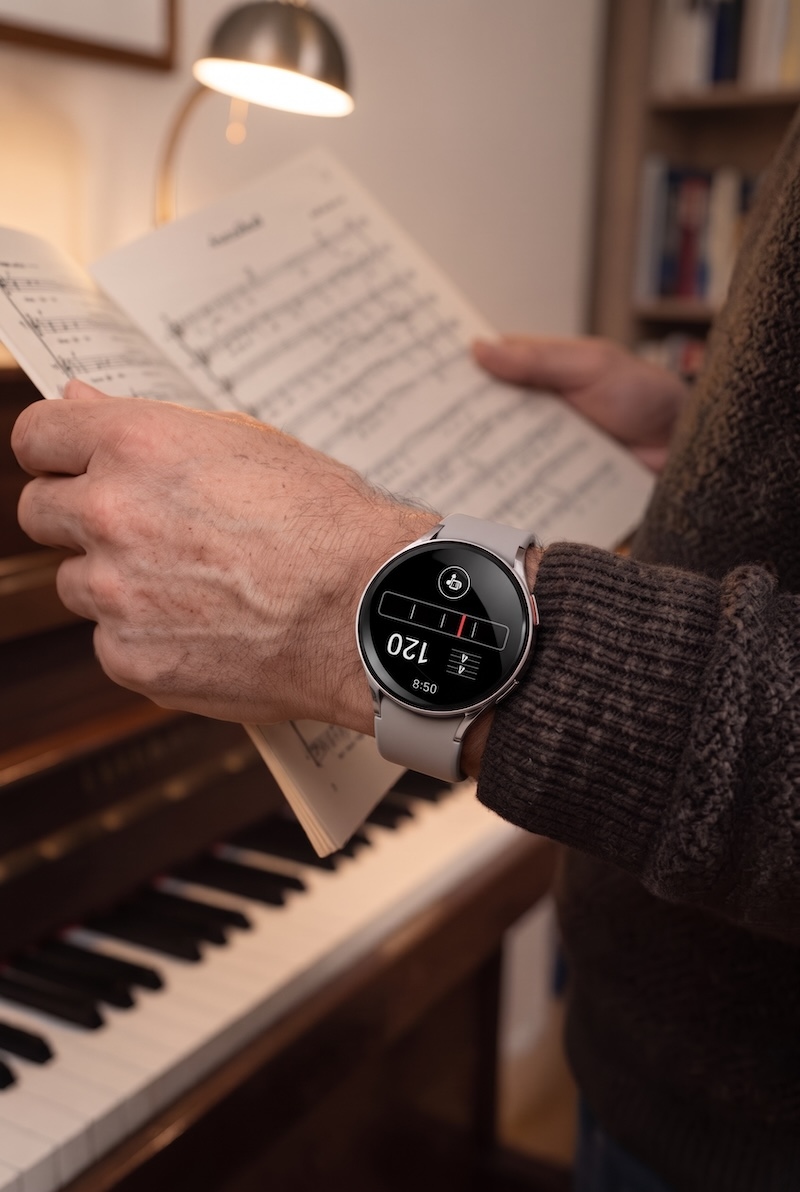
Metronoma keeps the beat on your wrist, as a pulse you feel or a tick you hear, so every minute you spend singing or playing counts.

Ready in seconds
- Choose the meterSet the time signature, and the bar redraws with the right number of beats.
- Choose how you want itPulse, tick, both, or just the playhead. Switch between pieces, right on your wrist.
- Pick a tempoTurn three wheels to set the BPM. The Italian marking updates as you go.
Practice with the beat where your hands are
A metronome only helps if you actually use it. On your watch, it's there the moment you sit down, and it stays out of the way while you play.
-
On your wrist, at your fingertips
No phone to prop up, no screen to unlock between pieces. Even with your sheet music in hand, tap your thumb and index finger together twice to start the beat.*
-
The whole bar at a glance
A playhead sweeps across the measure and the downbeat is marked, so you know where you are without counting.
-
Your ears stay on your sound
Feel the beat as a pulse on your wrist instead of hearing a tick, and listen closely to your pitch, tone, and dynamics.
-
Tempo in the language of music
Turn the wheels to set the BPM and see the marking change with it, from Largo to Allegro.
* The finger gesture uses double tap on Apple Watch Series 9, Apple Watch Ultra 2 and later models, and double pinch on Wear OS 7 watches that support it.
How the beat arrives
The playhead is always there. Add a pulse, a tick, or both, to fit the room and the piece in front of you.
-

Visual and haptics
A pulse on your wrist with every beat. Nothing from the speaker.
-

Visual and sound
A tock on the downbeat, a tick on every other beat.
-

Visual, haptics and sound
The pulse and the tick, together on every beat. Feel the time, and hear it.
-

Visual only
The playhead, and silence, for when the tempo is already in your ear.